



You already have a taxi app. Drivers use it every day. Riders book through it every day. It cannot go down for a redesign, and it cannot afford six months of downtime while you rebuild it around AI.
So the real question isn’t whether AI dispatch is worth having. It’s whether you can add AI dispatch to your existing taxi app without tearing it apart, or whether you’re staring down a rebuild you didn’t budget for.
This guide is for operators who already run a live taxi app and want to upgrade it — not for teams building one from scratch.
Quick Answer
Yes — you can add AI-powered dispatch to an existing taxi app without a full rebuild. You add an AI layer that runs alongside your current system, feed it your trip and location data, and test it against your live traffic before it takes over any real rides.
If you already have a normal database (PostgreSQL, MySQL) and drivers’ locations updating every few seconds, most operators can get AI matching live in 6 to 12 weeks. A full rebuild is the exception, not the default — and it’s usually needed because of a data or infrastructure gap, not because AI itself demands one.
What “AI-Powered Dispatch” Actually Means
Old-style dispatch is simple. It finds the nearest driver and sends the ride. It uses fixed prices by zone. This worked fine years ago. It does not work well now.
Here is the problem. The “nearest” driver is not always the best driver. That driver might be facing the wrong way on a one-way street. That driver might reject rides often. A driver two minutes farther away might accept almost every ride. Simple distance-based dispatch cannot tell the difference. Riders feel this as longer waits and more cancelled rides. Drivers feel like the app is working against them.
Riders compare your app to Uber and Ola, even if you do not compete with them directly. If your app cannot guess arrival time well, or if your prices jump around for no clear reason, riders notice. They open another app to check.
Not Sure What Your Setup Can Support?
Get a short technical audit that tells you — in writing — whether you need an AI layer, a partial rebuild, or nothing at all.
What AI-Powered Dispatch Actually Means (Beyond the Buzzword)
Most articles use “AI dispatch” as one vague term. That is not helpful. In reality, it is four separate tools. You can add each one on its own schedule.
Predictive ETA and matching
This tool learns from past trips, current traffic, and driver habits. Instead of always picking the closest driver, it picks the driver most likely to get there fast and accept the ride. Common tools for this include XGBoost and LightGBM, two systems that predict arrival times from data patterns. A separate math tool, often Google OR-Tools, handles the actual matching. Matching many riders to many drivers at once is a harder math problem than picking one “closest” driver. Academic research on ride-hailing dispatch confirms this: matching at scale is a proven NP-hard problem, which is why platforms use dedicated solvers instead of simple distance ranking. ETA prediction gets similar priority in practice. Lyft’s ML team has named ETA prediction its single most important machine learning use case, since it drives the number riders see on screen before they ever book.
Demand forecasting
This tool predicts where riders will need cars in the next 15 minutes to a few hours. It lets you move idle drivers to busy areas before the rush starts, instead of scrambling after it starts. This is not theoretical: DiDi Chuxing deployed a similar demand-and-ETA framework across its live platform in late 2022 and reported real gains in both rider and driver experience as a result.
Dynamic pricing
This tool comes after demand forecasting. It turns a supply-and-demand gap into a price change. It should always follow rules you set, like price caps and minimum margins. Think of it as a decision tool with guardrails, not a fully automatic system. We’ve written more specifically about how dynamic pricing works alongside dispatch, including how the two systems stay in sync without stepping on each other.
Fraud and anomaly detection
This tool watches for fake trips, fake GPS locations, and account abuse. It flags problems for a human to check. It should not auto-block a driver, since one mistake could stop an honest driver mid-trip.
Splitting AI dispatch into these four pieces is what makes “no rebuild” actually possible. Start with predictive matching and ETA. Prove it works. Add the other three later. For a closer look at how this actually gets built, see how AI fraud detection works in more detail.
If you want a deeper look at how these models actually work under the hood, we’ve covered predictive analytics for ride-hailing platforms in more detail elsewhere.
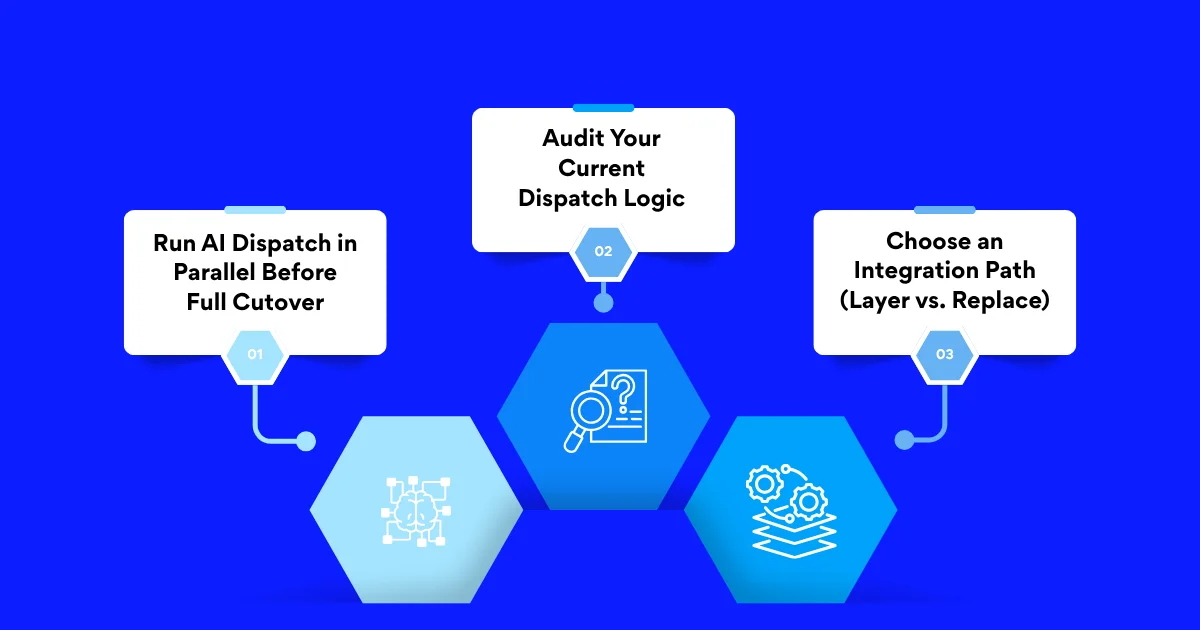
Step 1: Audit Your Current Dispatch Logic
Before adding any AI tool, check what your system already does and where your data lives.
First, look at how you assign rides today. Is it by distance? By zone? First driver to accept? Is this logic built into your main app, or does it run as its own service? This tells you how hard it will be to connect an AI tool to it.
Next, check your data. Do you save trip start and end points? Do you save the time you promised versus the time it actually took? Do you save when drivers accept or reject a ride? If this data only lives in raw log files and not in a proper database you can search, that is your real problem. Not the AI model.
Last, check your live location tracking. If driver phones send location every few seconds, you have what an AI matching tool needs. If the location only updates when someone opens the app, fix that first. An AI tool cannot predict anything without steady location data.
This audit usually takes one to two weeks. Most rushed sales pitches skip this step completely.
Step 2: Choose Your Integration Path — Layer or Replace
You have two honest choices here. Your audit from Step 1 tells you which one fits your app. Most operators land on the first choice. A smaller group genuinely needs the second. Here is how to tell which one is you.
Layer. Most operators should do this. The AI dispatch tool runs as its own small service, separate from your main app. Your app sends it a request: rider location, destination, and available drivers. The AI service sends back a ranked list of good matches, or a price suggestion. Your app then acts on that answer. Your database, your driver app, and your booking flow do not change. This is what “add AI without rebuilding” really means. You add a new decision step. You do not replace the engine. If you decide the AI layer is the right fit, that’s exactly the kind of work our AI development team builds — a service that sits next to your app rather than replacing it.
Replace. This only makes sense if your audit finds a real blocker. Maybe your dispatch code is stuck deep inside an old system with no clean way to connect anything new. Maybe your database cannot handle fast location searches, even after real fixes. Maybe your location tracking was never built to update in real time. If any of that is true, a partial or full rebuild is the honest answer. But that is a data problem you were always going to face. AI dispatch did not cause it. If your audit points you toward a rebuild, it helps to know what that actually costs before you commit — see our breakdown of what a full taxi app build typically costs so you’re comparing the real numbers, not guesses.
| Layer | Replace | |
| What it is | AI dispatch runs as an independent microservice next to your existing app | A full or partial rebuild of the dispatch core itself |
| What changes | Nothing in your database, driver app, or core booking logic | Database, backend architecture, and possibly the driver app |
| How it connects | Your app calls it via a REST/gRPC API and acts on the response | Not applicable. Dispatch logic is rebuilt, not called from outside |
| Typical timeline | 6 to 12 weeks for matching and ETA | Months, scoped project by project |
| Best for | Apps with a clean API boundary and usable trip/location data | Apps with no clean API boundary or infrastructure that can’t support real-time data |
| Risk level | Low. Rollback just means turning the layer off | Higher. Bigger scope, longer commitment |
Most apps built in the last five to seven years, using common tools like Node.js, Ruby on Rails, or Java behind a normal database, can use the layer approach without a fight. When a rebuild really is needed, it is almost always because of missing data, not because of the AI itself. So before you plan a bigger project than you need, make sure the audit actually points you there. Full custom taxi app development is the right call here — but for most operators reading this, it’s the exception, not the default.
How the API Connection Actually Works
This is the part most explanations skip. Here’s what actually happens when your app talks to the AI dispatch layer.
When a rider requests a ride, your app doesn’t hand off the whole booking. It sends the AI service a small, specific request: the rider’s pickup location, their destination, and the list of drivers currently available nearby. That’s it. Your app still owns the booking, the payment, and the driver’s app — none of that moves.
The AI service does its work in the background — scoring each available driver by predicted arrival time, acceptance likelihood, and how the pick affects other nearby drivers — and sends back a short, simple answer: a ranked list of the best matches, or a single recommended driver if that’s how you’ve set it up.
Your app then acts on that answer exactly the way it acts on any other decision today. It offers the ride to the top match, waits for acceptance, and falls back to the next one if the driver declines. Nothing about how your app assigns rides to drivers changes from the driver’s side. What changes is which driver gets offered the ride first.
In practice, this is a single API call and response, not a stream of ongoing communication. A typical exchange looks like this in plain terms:
Your app sends: rider location, destination, list of available driver IDs with their current locations.
The AI service returns: a ranked list of driver IDs, each with a predicted pickup time.
That’s the entire contract. It’s why this integration doesn’t touch your database schema, your driver app, or your booking flow — it’s one new decision step inserted before the assignment happens, not a replacement for anything you already have.
Step 3: Run AI Dispatch in Parallel Before Full Cutover
Once you build the AI layer, do not switch it on for every ride right away. Run it in “shadow mode” first. In shadow mode, the AI scores every real ride request, but your old system still makes the actual match. You save what the AI would have picked and compare it to what really happened.
This lets you test safely with zero risk to real rides. It also shows you where the AI is weak, like a neighborhood with little past data, before any real rider or driver feels it.
Once shadow mode shows the AI’s guesses match reality, move to a live test. Send a small share of real rides through the AI, and keep the rest on the old system. Compare pickup time, cancellations, and driver acceptance between the two groups. Slowly raise the AI’s share step by step, for example, 5%, then 20%, then 50%, then 100%. Move to the next step only after the current one passes your goals. This slow rollout is what makes the switch safe, not just fast.
What Data You Need for AI Dispatch to Actually Work
Building the AI model is the easy part. Having good data ready is where most timelines slip.
At a minimum, save trip history: pickup and drop-off points, promised versus real pickup time, trip length, and fare. Six months of this data is a good starting point, since demand patterns repeat by week and by season. You also need driver data: how often drivers accept or reject rides, how long they sit idle, and how often their location updates (every 3 to 10 seconds while online is a solid target).
You should also track outside factors your app may not track yet, like local events, weather, and holidays, since these all affect demand. Many operators just plug in a weather app or events API instead of building this themselves.
Here is a rough guide.
Matching and ETA models can work with just a few months of steady trip data in a mid-size city. Demand and pricing models need more history and more rides before they get reliable, especially in smaller markets. Is your app under a year old? Does your city have fewer than a few hundred rides a day? If so, expect the AI to need wider safety margins. You will also need more manual overrides for a while.
How Much Does It Cost to Add AI Dispatch to an Existing Taxi App?
Cost depends far more on your data’s condition than on the AI model itself. A clean, well-tracked dataset can cut development time by a third or more; a messy one adds weeks of cleanup before any model work starts.
There’s no public benchmark specific to taxi dispatch integrations, so treat these as directional ranges based on typical mid-complexity AI integration projects, not a quote for your specific build:
- Audit and data readiness assessment: Often a fixed, smaller engagement — a few thousand dollars if outsourced, or 1–2 weeks of internal time if you have the skills in-house.
- Predictive matching and ETA layer (the core “Step 1–3” build in this guide): Roughly the range of a mid-complexity custom AI integration — commonly landing somewhere in the low tens of thousands to around $80,000, depending on data quality, team location, and how much of your existing app needs new API surface to connect to it.
- Demand forecasting and dynamic pricing (phase two): Usually adds a comparable or smaller amount on top, since it reuses the live matching data and infrastructure from phase one rather than starting from zero.
- Fraud and anomaly detection: Can often run in parallel with the other phases at a lower incremental cost, since it doesn’t depend on the matching system.
Two cost drivers matter more than anything else:
Team location and structure. Agency rates for this kind of work commonly run $25–50/hour in India, $45–85/hour in Eastern Europe, and $99–180+/hour in the US—the same model and scope can vary two to three times in total price depending on where the team sits.
Ongoing maintenance. AI systems aren’t “set and forget” the way most app features are. Budget roughly 15–25% of your initial taxi app build cost per year for retraining, monitoring, and adjusting as rider and driver behavior shifts—this is the line item operators most often forget to plan for.
Get a real number by finishing the audit in Step 1 first. Vague upfront quotes without seeing your data and stack are a sign to be cautious of, not reassured by. These ranges are directional. For a fuller AI development cost breakdown across different types of AI projects, that’s a useful next read before you request a quote.
Get a Cost Estimate for Your Specific App
Send us your tech stack and data setup, and we’ll scope a realistic timeline and budget range within a few days — no generic pricing sheet.
In-House Build vs. Outsourced Build: Which Fits You?
| In-House | Outsourced | |
| Best fit for | Teams that already have ML engineering experience and can absorb a multi-month project without derailing other work | Operators without existing ML talent, or who need this shipped on a fixed timeline |
| Typical timeline | Similar to the 6–12 week range for matching/ETA, but often stretches longer if your team is learning as they build | Comparable or slightly faster, since the team isn’t starting from a cold ML background |
| Cost profile | No agency margin, but you’re paying full-time salaries — often $150,000–$250,000+ per year per ML engineer — whether or not the project is active | Project-based or milestone pricing, generally lower total cost for a single, defined project |
| Key risk | Recruiting and ramp-up time (often 3–6 months to hire well) can eat more time than the build itself | Less institutional knowledge stays in-house after launch; ongoing maintenance needs a clear handoff plan |
| Who owns the result | You, fully — the model, the pipeline, and the roadmap | Depends on contract terms — confirm model and data ownership before signing |
If your team has the skills and has room in its roadmap, building the matching-and-ETA layer in-house is genuinely realistic — it’s the least complex of the four pieces. Where most operators still bring in outside help, even with a capable in-house team, is the less visible work: cleaning and pipelining the data, load-testing under real Friday-night traffic, and running the shadow-mode-to-live rollout without disrupting active riders and drivers.
Before signing with anyone, ask them directly: who owns the trained model and the training data when the engagement ends, what does post-launch support actually include, and how do they handle the model’s accuracy degrading over time as rider behavior shifts. A credible team will answer all three without hesitating.
Common Pitfalls When Upgrading an Existing System
This is the section most vendor pitches skip because it makes the project sound harder than the sales deck wants it to. But these four mistakes are the ones that actually derail AI dispatch upgrades. None of them is about the AI model itself. Know them going in, and you avoid most of the pain.
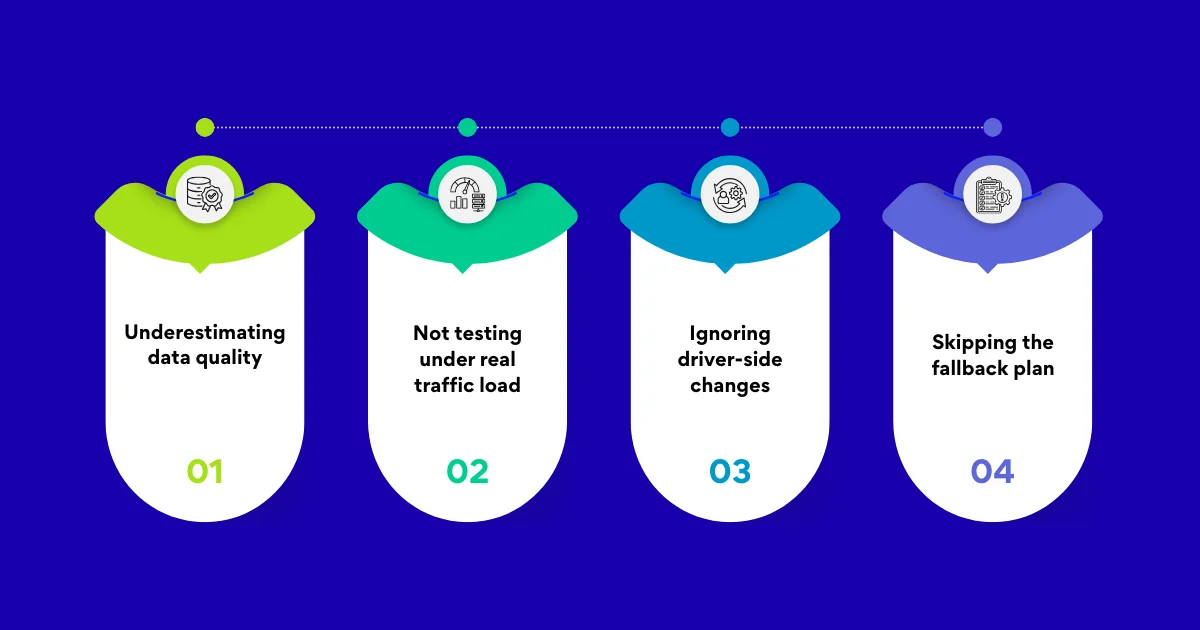
Underestimating data quality
Six months of trip logs sounds like plenty until you actually look at it. You may find a third of the GPS points are missing, duplicated, or off by a full city block. Cleaning this data almost always takes longer than training the model. Skip this step, and your model will be confidently wrong. Rider and driver location data carries real privacy obligations, especially if you operate in a regulated market — worth a look at our overview of data privacy considerations for AI systems before your audit wraps up.
Not testing under real traffic load
A model that works fine on a test of 200 requests may break down during your busiest Friday night. Testing under real, heavy load matters as much as testing for accuracy. Teams often skip this because it feels less exciting than the model itself.
Ignoring driver-side changes
When AI sometimes picks a driver who is not the closest one, drivers will ask why. Give them a simple reason in the app, like “matched for a faster overall pickup.” Skip this, and drivers will feel the system is unfair, even when it is working correctly. Plan this message at the same time you plan the tech, not after launch.
Skipping the fallback plan
If the AI service is slow or goes down, your app should fall back to the old dispatch logic right away, not fail the booking. This sounds obvious. It still gets skipped when teams are rushing to launch.
None of these four problems show up in a demo. They show up weeks into a live rollout, usually at the worst possible time. Build time into your plan for all four, and your rollout will look far less dramatic than it would otherwise.
How Long Does AI-Powered Dispatch Integration Actually Take?
Every operator asks this question first, and for good reason. A twelve-week plan gets budgeted very differently from a six-month one. The honest answer depends on how ready your data already is, but here is what a normal, well-prepared rollout looks like from start to finish.
If you already have usable trip and location data, here is a realistic plan:
- Weeks 1–2: Audit your dispatch system and data
- Weeks 3–6: Build the AI matching and ETA service, plus the connection to your app
- Weeks 7–9: Run shadow mode alongside your live system
- Weeks 10–12: Slowly roll out AI matching to real riders, then go fully live
That is 6 to 12 weeks for matching and ETA alone. Demand forecasting and dynamic pricing come next, usually adding 4 to 8 more weeks, since they work better once you already have live matching data to learn from. Fraud detection can be built at the same time as the others, since it does not depend on the matching system at all.
If your data has real gaps, like patchy logs, slow location updates, or trip records spread across old systems, plan for the audit and cleanup step alone to take 4 to 6 weeks.
Ready to Build Your AI Dispatch Layer?
Shadow-mode tested, rollback-ready, and built to sit on top of the app you already have. Let’s talk about your rollout.
How GMTA Approaches AI Dispatch Upgrades
We start every project with the audit, not the AI model. Our team checks what your dispatch system does today, where your data lives, and what your live tracking can support. Only then do we recommend an approach. This is how we know honestly whether you need a layer, a partial rebuild, or, rarely, a full rebuild.
From there, our engineers build the AI dispatch service as its own layer with a clear connection to your app. We run it in shadow mode against your real traffic and show you the test results before recommending a full switch. You keep your existing app, your team’s knowledge of the code, and a way to roll back at every step.
If you’re also thinking about AI beyond dispatch, our team builds AI agents built for production, not just demos, across support, operations, and more.
If you’re ready to move past the audit stage, talk to our AI development team about building your dispatch layer — shadow-mode tested, rollback-ready, and built to sit on top of the app you already have.
FAQ
What is AI-powered dispatch?
AI-powered dispatch is a system that picks the best driver for a ride using predicted arrival time, driver reliability, and traffic, instead of just picking the closest driver. It aims for faster overall pickups, not just short distances.
Can I add AI dispatch without replacing my backend?
In most cases, yes. If your dispatch logic can connect through a clear API, and your app already saves trip and location data, you can add an AI matching tool as a separate layer. A full backend replacement is only needed when there is no clean way to connect anything new, or your system cannot handle real-time location data fast enough.
How much data do I need for AI dispatch to work?
Matching and ETA models can work with a few months of steady trip data in a mid-size city. Demand forecasting and dynamic pricing need more data, six months or more is a safe starting point, so the model does not learn from random noise.
What’s the difference between AI dispatch and dynamic pricing?
AI dispatch matches drivers to riders. Dynamic pricing adjusts fares based on supply and demand. They are often built together, but they work independently. You can add one without touching the other, in either order.
How is AI dispatch different from traditional dispatch software?
Traditional dispatch follows fixed rules, usually “nearest driver” or “first to accept.” AI dispatch scores every possible match by predicted arrival time, driver reliability, and how the pick affects nearby drivers, then picks the best option across all open rides at once, not one ride at a time.
How do you test AI dispatch changes before going fully live?
Run the AI in shadow mode first. It scores real rides without acting on them. Then run a live test, sending a small and growing share of real rides through the AI while comparing pickup time, cancellations, and driver acceptance against your current system.
What are the biggest implementation challenges?
Bad or missing data causes the most damage. Even a well-built model fails on messy trip and location logs. Skipping load testing under real traffic and ignoring how drivers react to non-distance-based matching are the next two most common mistakes.
How long does an AI dispatch integration typically take?
With usable data already in place, matching and ETA integration usually takes 6 to 12 weeks from audit to full launch. Demand forecasting and dynamic pricing usually come as a second phase after that.
Do I need an AI agent development company, or can my in-house team build this?
If your team has machine learning experience and free time, you can build this in-house. This is especially true for the matching and ETA piece. Most operators still bring in outside help for the harder parts. These include building the data pipeline, load testing at real scale, and running the shadow-mode-to-live rollout. Your team still keeps full ownership of the app.