Portfolio
Blogs
Contact Us
Premium Face Filter Enhance App services

Glamoursy β€”
Building an AI-Powered Beauty Camera and Photo Editing App

A startup's vision of professional-grade selfie editing brought to everyday users β€” built into a fully coordinated iOS and Android platform with AI retouching, creative filters, and seamless social sharing.

Premium Face Filter Enhance App services

Industry

AI-Powered Photo Editing & Beauty Camera
Premium Face Filter Enhance App services

Business Type

Startup
Premium Face Filter Enhance App services

Project duration

4 Months
Premium Face Filter Enhance App services
Premium Face Filter Enhance App services Premium Face Filter Enhance App services

About ClientΒ 

Glamoursy was built around a frustration most people have felt with their phone's default camera: it captures the moment, but it never quite captures how you actually want to look. Professional photo editing tools exist, but they're built for editors, not everyday users trying to fix their skin tone, smooth a blemish, or add a creative effect before posting. The client's question was whether it was possible to bring professional-quality photo editing directly into a simple camera app β€” without the learning curve or the price tag of a full editing suite.

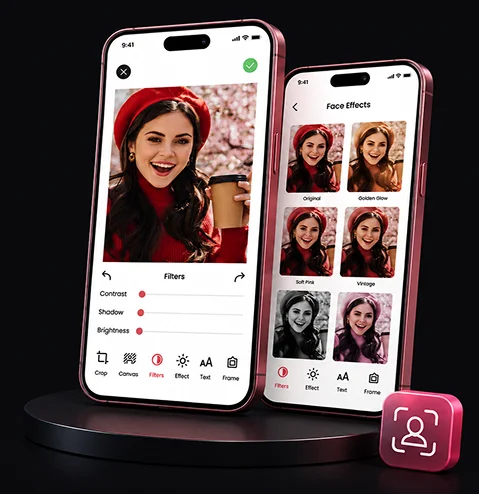
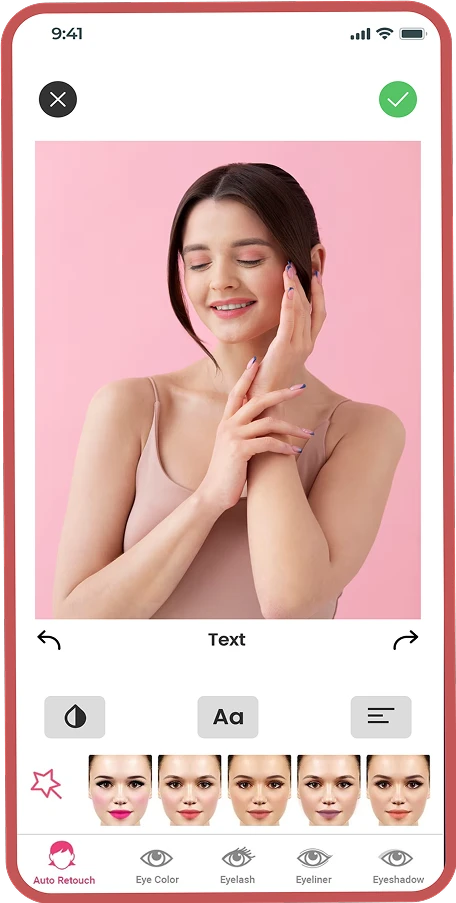
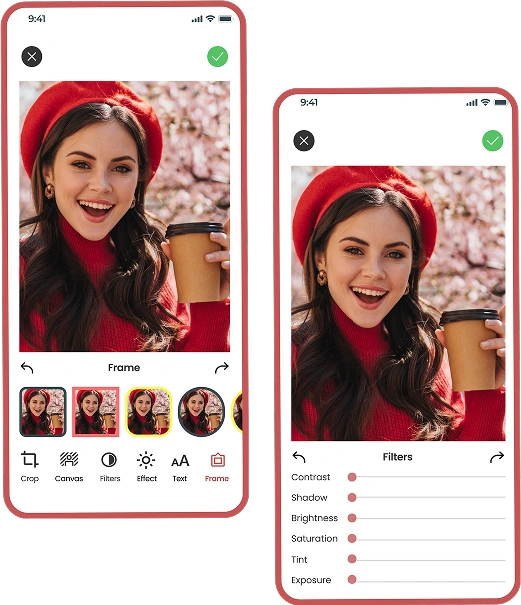
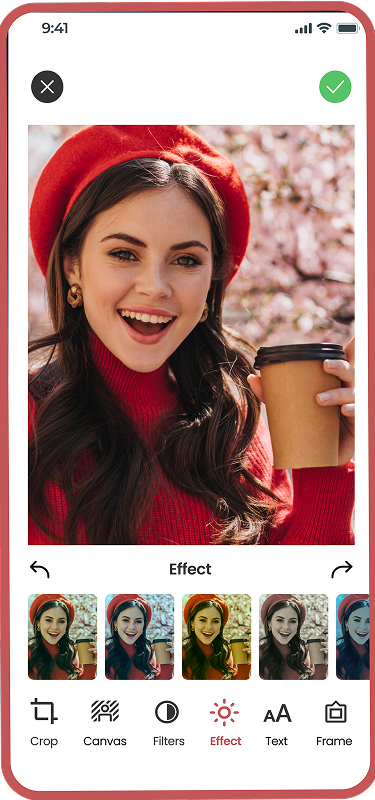
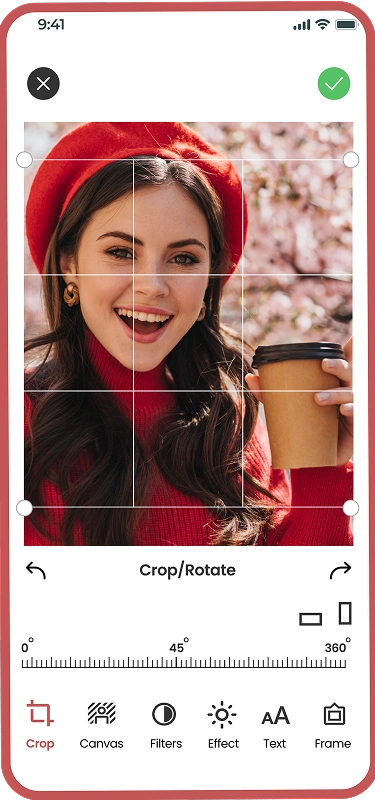
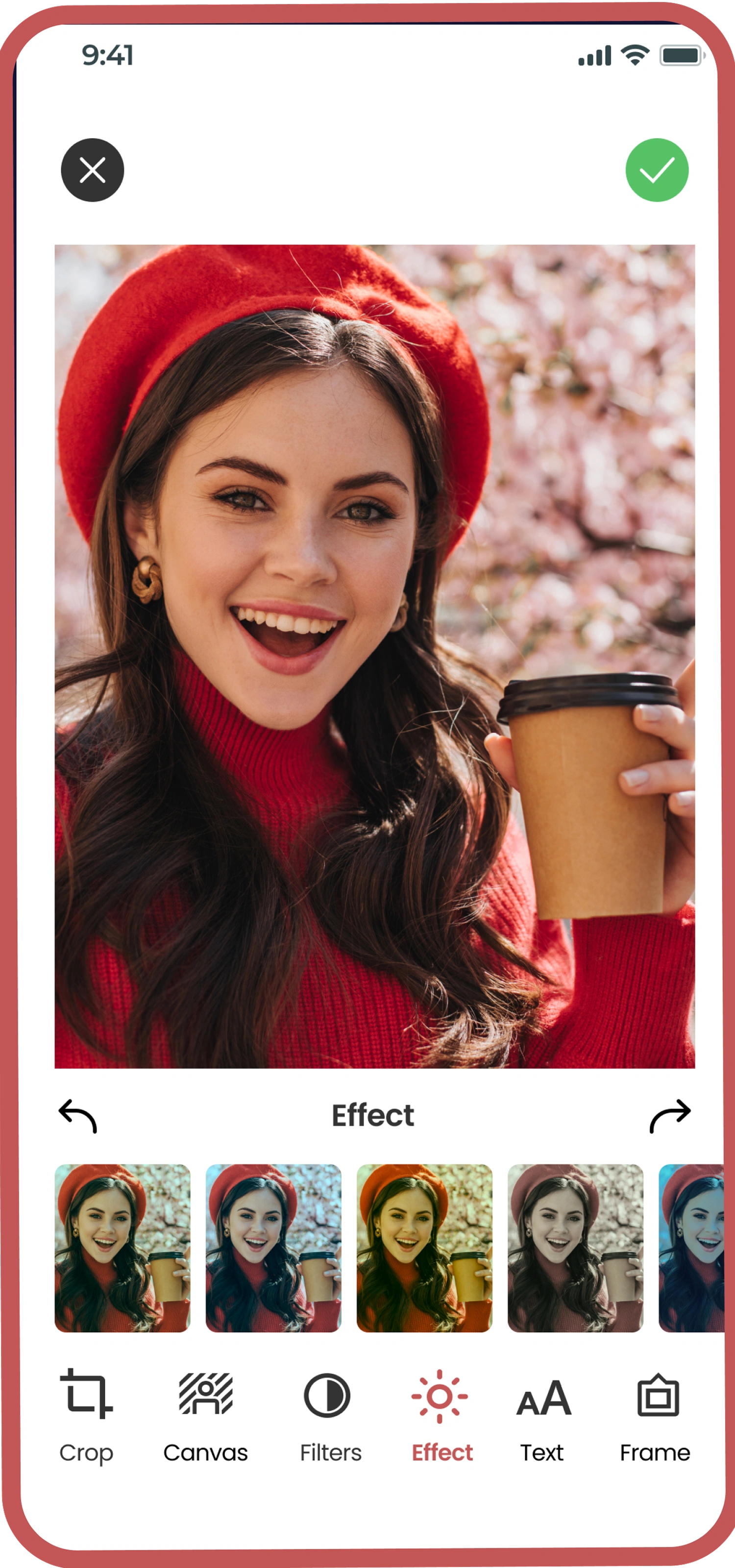
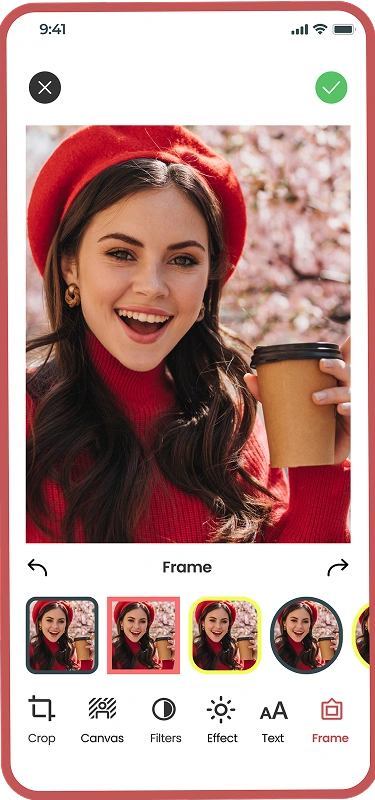
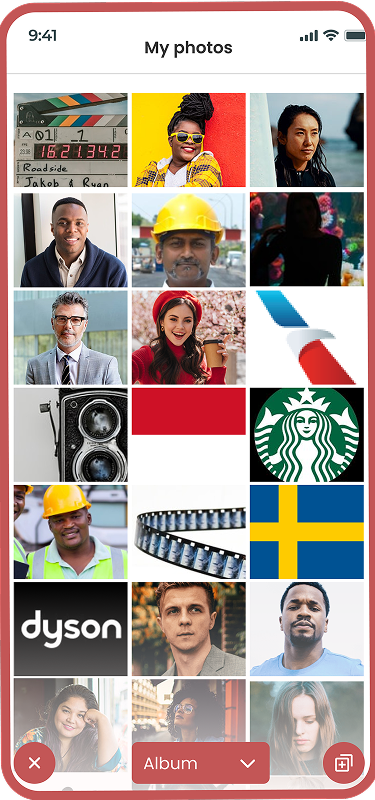
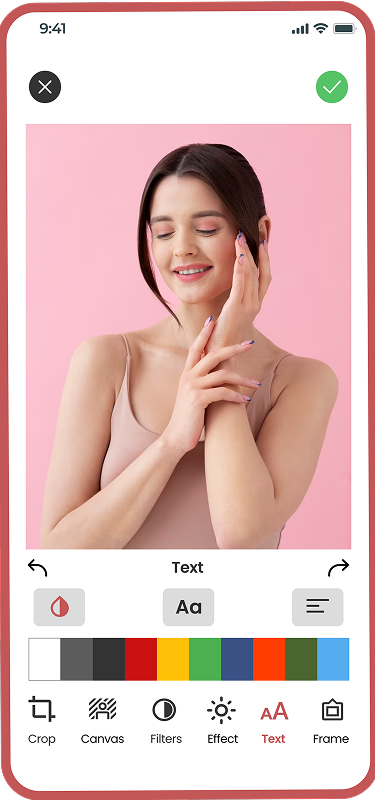
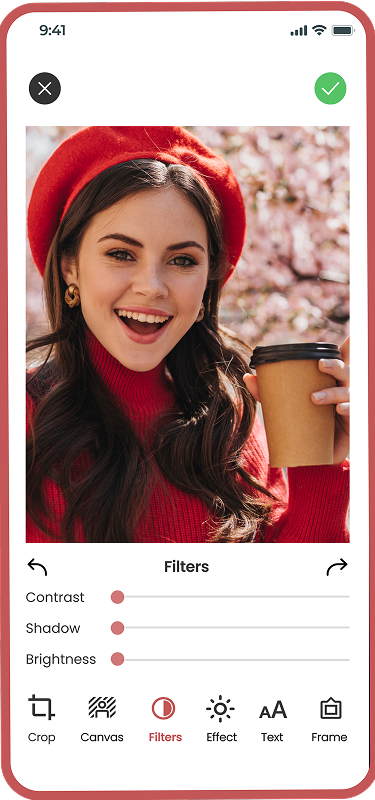
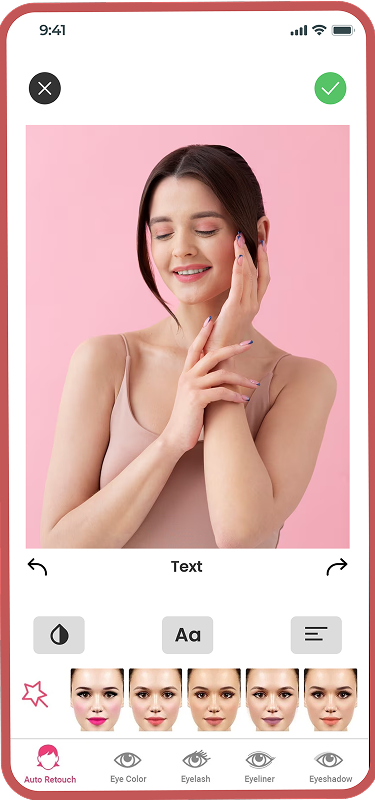
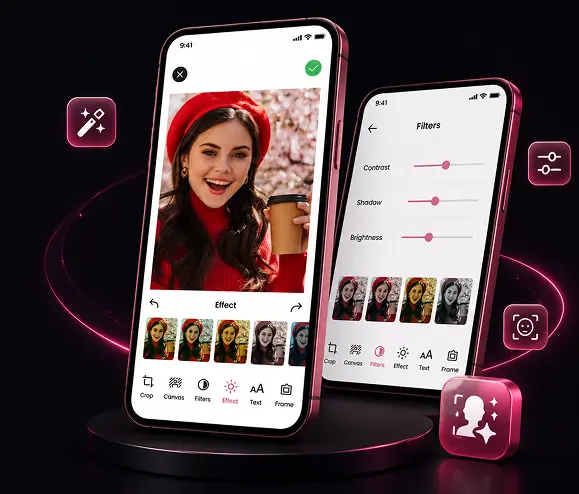
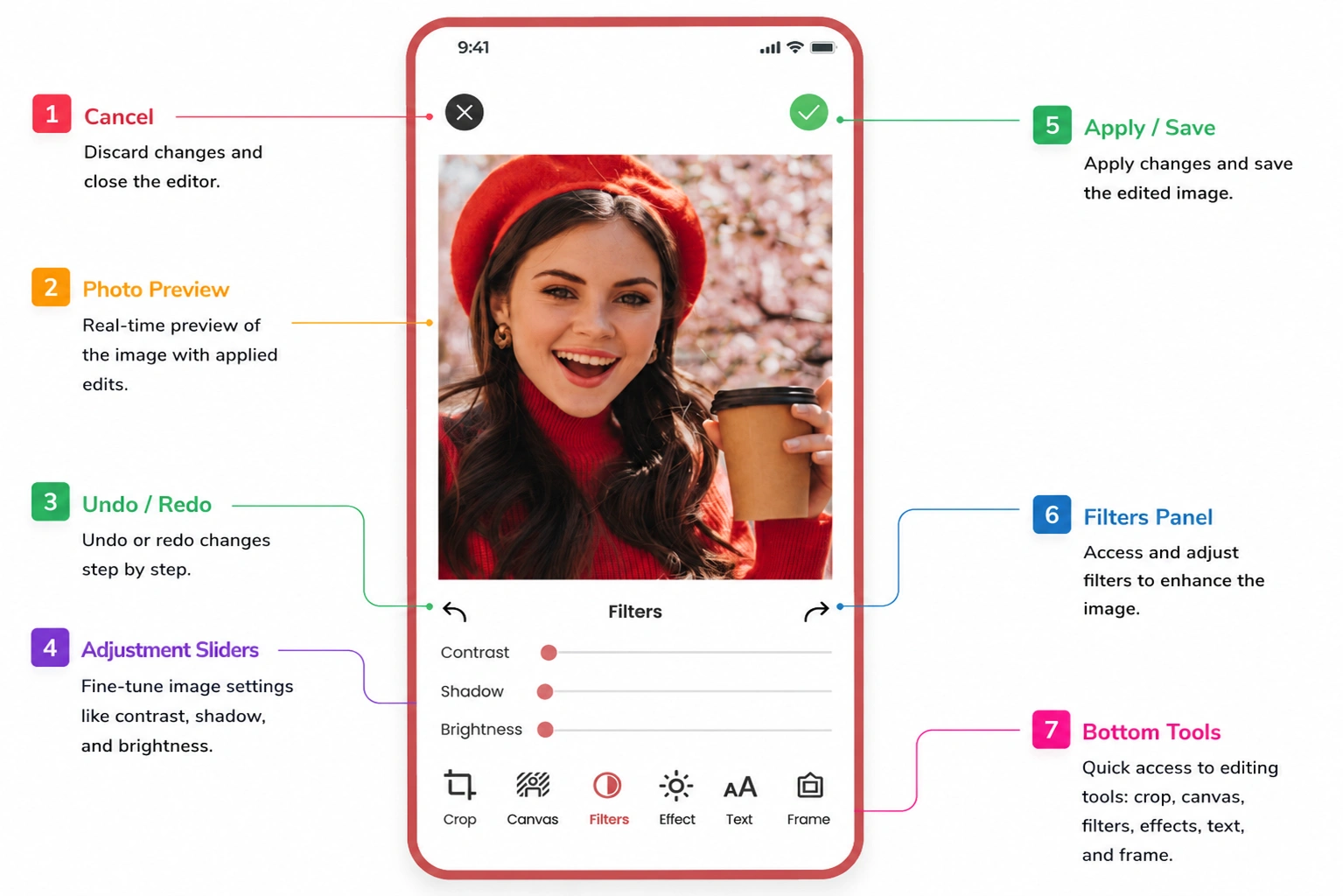
Their answer was a single beauty camera and editing app. Users capture or upload a photo, choose from filters and creative effects like neon spirals and drip effects, apply auto-retouching, and share the result directly to Instagram, Snapchat, TikTok, or WhatsApp without leaving the app.

About Client Gmta

Why Glamoursy Chose Us

Glamoursy  GMTA

Photo editing apps are a crowded, unforgiving category. A filter that lags for half a second or a retouching effect that looks obviously artificial gets deleted within the first session. Glamoursy needed real-time, on-device image processing β€” not a slow render-and-wait cycle β€” combined with a genuinely broad effects library, not five filters reskinned as fifty. Most white-label camera app templates couldn't deliver either of those properly.

The client had looked at generic camera app builders and found rendering performance inconsistent across devices, filter libraries thin, and social export formatting broken on at least one platform every time. There was no unified pipeline handling capture, editing, and export together, and no auto-retouching tuned well enough to look natural rather than plastic. These were product requirements that needed a custom build, not a template stretched to fit.

Challenges That Shaped the Build

01 06

Building an AI-Powered Photo or Camera App?

Real-time filters, natural-looking retouching, and clean social export all need to work together, not as separate bolted-on features.

music App Like Glamoursy? 6 Months Free Maintenance After Launch
music App Like Glamoursy?

Our Approach

On-Device Rendering Pipeline for Real-Time Filters

On-Device Rendering Pipeline for Real-Time Filters

Every filter and effect in Glamoursy runs through an on-device rendering pipeline built to update the preview instantly as a user adjusts intensity, switches effects, or moves the camera. We used GPU-accelerated image processing rather than routing every adjustment through a server, which meant the preview stayed responsive even on mid-range devices. The neon spiral and drip effects, in particular, needed frame-by-frame consistency to look smooth rather than choppy, so we optimised the rendering layer specifically around effects with continuous motion, rather than static filters that only need to render once when applied.

01
Auto-Retouching Tuned Across Skin Tones and Lighting 02

Auto-Retouching Tuned Across Skin Tones and Lighting

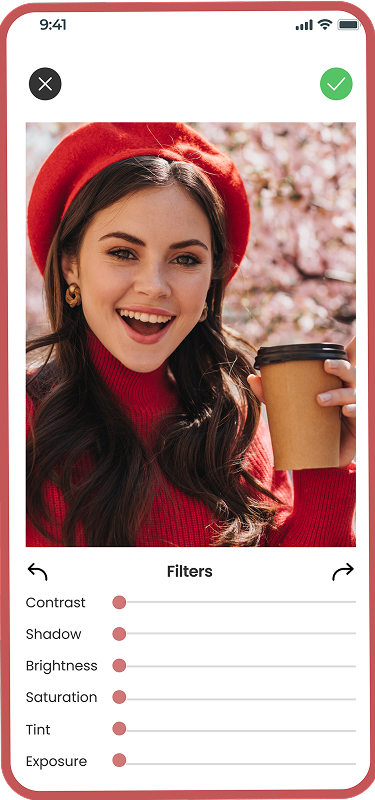
The auto-retouching engine was trained and tuned against a deliberately wide range of skin tones, lighting conditions, and photo angles, rather than a narrow dataset that only performs well under ideal studio lighting. Users can adjust retouching intensity with a simple slider, so the effect can stay subtle for someone who just wants a slight polish, or stronger for someone editing for a specific look. Every adjustment is applied in real time, allowing users to preview changes instantly before saving the final image.

Platform-Specific Export Profiles 03

Platform-Specific Export Profiles

Rather than exporting one generic file and letting each social platform handle compression and cropping on its own, we built export profiles specific to Instagram, Snapchat, TikTok, and WhatsApp. Each profile adjusts aspect ratio, resolution, and file compression to match what that platform actually expects, so a photo edited inside Glamoursy looks the same once it's shared, not slightly cropped or visibly compressed, ensuring consistently professional-quality results across different devices and screen sizes worldwide.

Modular Effects System With On-Demand Downloads

Modular Effects System With On-Demand Downloads

Instead of bundling every filter, effect, and creative tool into the initial app download, we built a modular effects system that downloads individual effect packs only when a user selects them. This kept the core app lightweight and fast to install, while still giving users access to a continuously growing effects library without ever needing a full app update. New seasonal filters or trending effects can be added to the library and made available immediately, without waiting on an App Store or Google Play review cycle for every single addition.

04
Streaming Pipeline Built for Stability

Process We Followed

01  Understanding How People Actually Edit Selfies  Understanding How People Actually Edit Selfies
Understanding How People Actually Edit Selfies

Understanding How People Actually Edit Selfies

Before development began, we looked at how people actually use beauty camera apps day to day β€” quick single-tap fixes most of the time, occasional deeper editing sessions, and near-constant sharing straight to social platforms. Those usage patterns shaped every major product decision, from interface design to editing workflows and export performance, across every stage of development.

  • User editing behaviour research
  • Effect and filter prioritisation
  • Social export requirements mapping
  • API contract definition

02 Structuring the Rendering and Export Pipeline Structuring the Rendering and Export Pipeline
Structuring the Rendering and Export Pipeline

Structuring the Rendering and Export Pipeline

We designed the camera, editing, and export layers as one connected pipeline, so a filter applied during capture carries through cleanly to retouching and then to a platform-correct export. This unified workflow reduces processing inconsistencies while preserving image quality from capture to final share, delivering faster processing, consistent visual results, and a smoother overall editing experience.

  • Rendering pipeline architecture
  • Auto-retouching engine design
  • Modular effects system design
  • Export profile design
03 Building and Testing Across Real Devices Building and Testing Across Real Devices
Building and Testing Across Real Devices

Building and Testing Across Real Devices

Our team built and tested the app across a widespread range of real devices, checking rendering performance, retouching quality across skin tones, and export accuracy on every supported platform. Performance was validated under varying lighting conditions and hardware capabilities to ensure a consistently smooth user experience **across different operating systems and screen resolutions.

  • Swift and Android development
  • Cross-device performance testing
  • Retouching quality QA
  • Social export format testing

Business Impact

 Effect Categories 4

Effect Categories

Neon spirals, drip effects, auto-retouching, and standard filters give users four distinct ways to transform a photo inside one app.

Social Platforms Supported 4

Social Platforms Supported

Instagram, Snapchat, TikTok, and WhatsApp each have a dedicated export profile, so shared photos look exactly as edited on every platform.

 Platforms, One Pipeline 2

Platforms, One Pipeline

iOS and Android share the same rendering and retouching pipeline, keeping the editing experience consistent no matter what.

Sazpay Sazpay

Ready to Build a Beauty Camera App of Your Own?

From on-device rendering to platform-specific export, we build camera apps designed around how people actually edit and share.

Next Success Story
Γ—
CallCall
Whatsapp Whatsapp
Email Email